
Why Uncompressed Images Ruin Web Performance (And How In-Browser WebP Conversion Fixes It)
Published on 18 Agustus 2026

The Hidden Cost of Heavy Media on User Experience and SEO
In the modern digital ecosystem, visual content accounts for over 60% of total web page payload. Whether running an e-commerce platform, a corporate blog, or a portfolio site, high-resolution imagery is essential for visual engagement. However, serving unoptimized PNG or JPEG files introduces severe performance bottlenecks that directly impact search engine rankings and conversion rates.
Search engines like Google prioritize user experience through Core Web Vitals—specifically Largest Contentful Paint (LCP) and Cumulative Layout Shift (CLS). When a browser encounters uncompressed, high-megabyte images, page rendering halts while assets download over the network. This latency triggers high bounce rates, particularly on mobile devices using limited cellular data.
From a content quality perspective, publishing surface-level advice like "Always make your images smaller" often leads to AdSense rejections for Low Value Content. High-value technical writing must unpack the underlying mechanics: image payload optimization, modern compression algorithms, lossy versus lossless tradeoffs, and client-side processing workflows that protect digital assets without sacrificing fidelity.
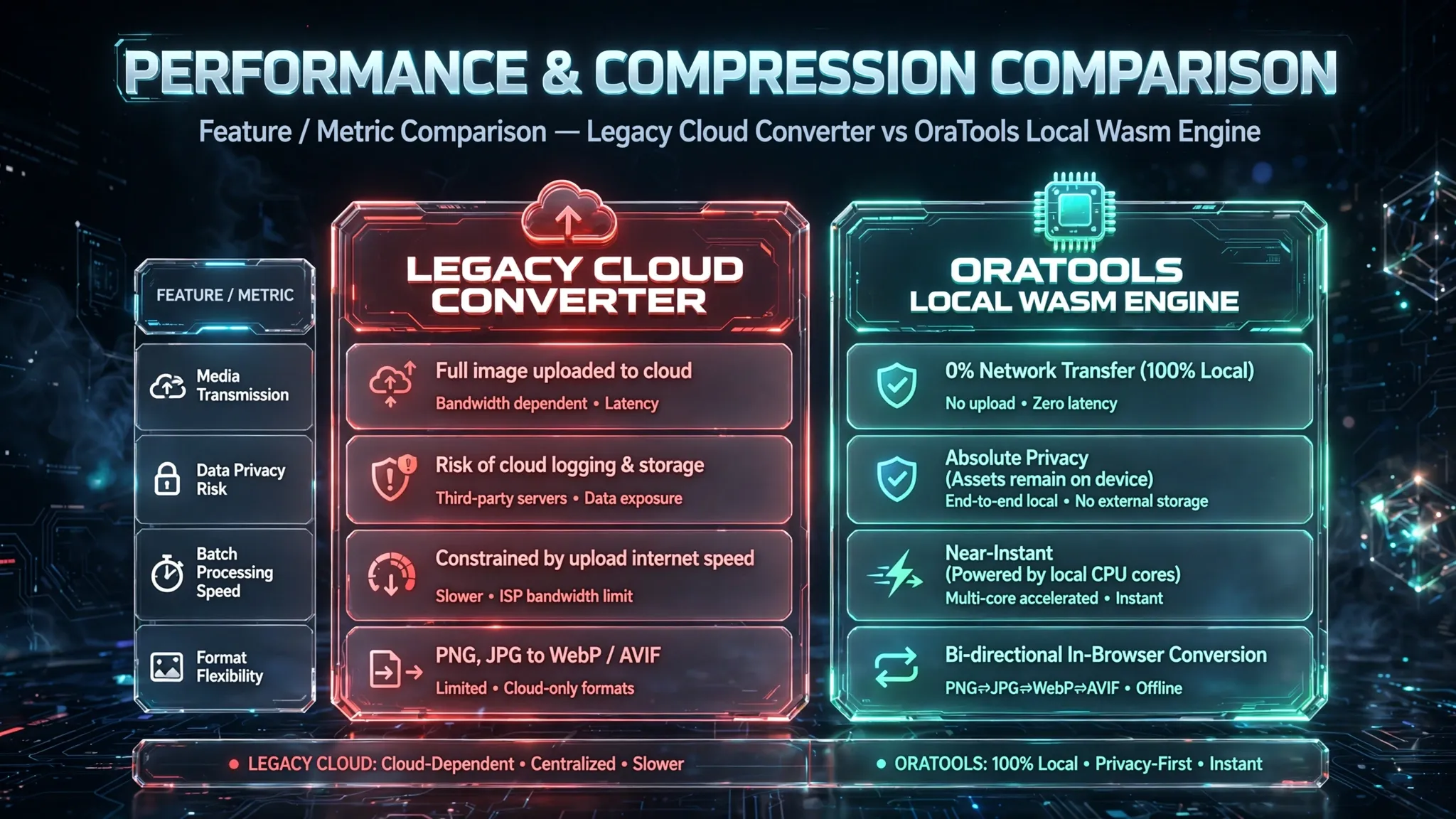

Next-Gen Formats & Local WebAssembly Compression
To eliminate bandwidth bottlenecks, modern web standards rely on next-generation formats like WebP and AVIF, which deliver up to 30%–50% smaller file sizes compared to legacy JPEG and PNG formats at equivalent visual quality.
Traditional online image converters force users to upload their original high-resolution assets to cloud servers. This approach exposes proprietary media to remote retention risks and subjects users to cloud queuing delays. OraTools solves this by running advanced image processing routines directly inside your web browser using WebAssembly (Wasm).
How In-Browser Image Optimization Operates:
- Local Memory Sandbox: Your original photo is decoded into raw pixel canvas data within your browser's isolated local memory.
- Hardware-Accelerated Encoding: The Wasm module executes multi-threaded C/C++ compression algorithms directly on your computer's CPU and GPU.
- Zero Server Footprint: The converted WebP asset is saved immediately to your local storage without ever touching an external cloud server.
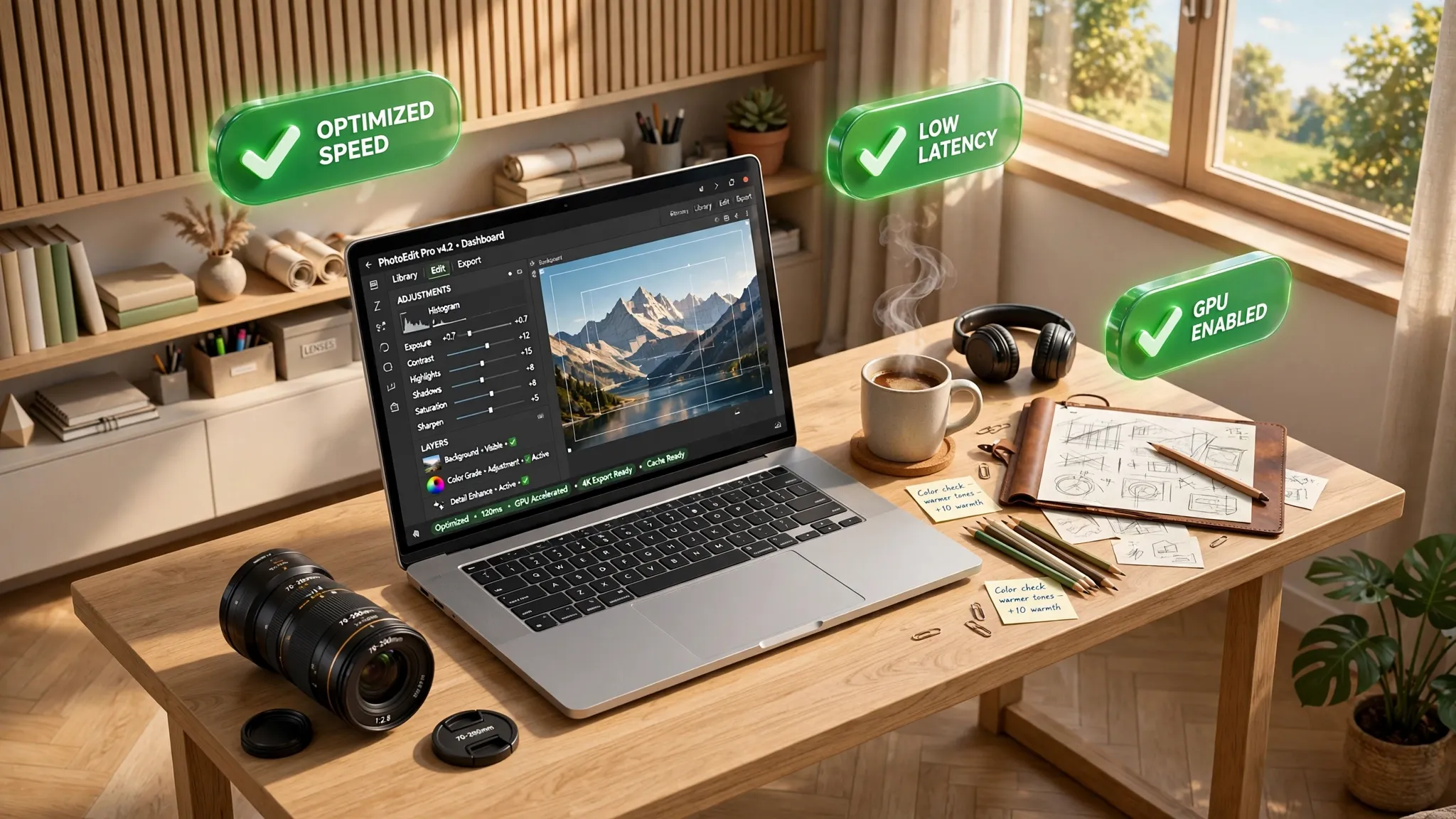
Streamlining Media Workflows for Maximum Digital Efficiency
Implementing an in-browser media optimization workflow provides tangible benefits for developers, creators, and business owners striving for optimal web performance.
Key Operational Advantages:
- All-in-One Image Utility Suite: Compress, resize, crop, upscale, or convert formats within a single interface without switching between fragmented third-party utilities.
- No File Size Caps: Cloud services restrict free tier uploads to 5MB–10MB per file. Browser-based processing leverages your machine's system memory, allowing effortless batch compression of high-resolution camera raw files.
- Workflow Continuity: Works seamlessly across desktop workstations, tablets, and mobile browsers without requiring software installation or user registration.
Providing deep, actionable insights into performance optimization establishes technical authority—satisfying Google's E-E-A-T guidelines while providing immediate utility to privacy-conscious web creators.Link
Optimize Your Media Privately:
Reduce image file sizes and boost your website speed without uploading your media to remote servers. Visit OraTools to resize, compress, and convert your images instantly and securely in your browser.