
The Ultimate Guide to PDF Tools: Revolutionizing Digital Document Management in the Modern Era
Published on 4 Agustus 2026
In today’s fast-paced digital landscape, the Portable Document Format (PDF) has established itself as the undisputed global standard for exchanging information. Created by Adobe in the early 1990s, the PDF was designed to solve a fundamental problem: ensuring that a document looks exactly the same on any device, operating system, or screen size. From corporate contracts, academic research papers, and financial statements to creative portfolios and e-books, PDFs are everywhere.
However, while PDFs are unmatched for viewing and sharing, they are inherently notoriously difficult to alter. This rigid preservation of layout is both their greatest strength and their biggest frustration. This is where PDF tools come into play. These specialized software applications and online utilities bridge the gap between static presentation and dynamic editing, transforming the way we interact with digital documents.
Understanding the Core Architecture of PDF Tools
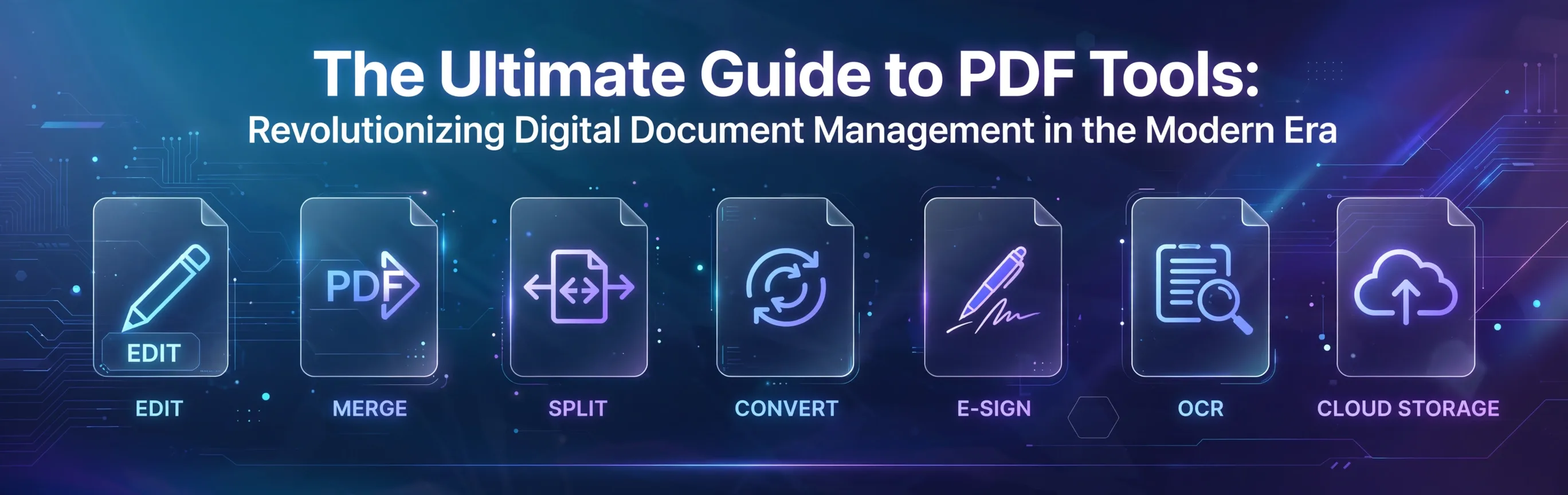
To appreciate the value of PDF tools, one must understand what they actually do. They are not merely simple file readers; they are sophisticated data processors capable of dissecting the complex structural layers of a PDF file. Modern PDF tools operate across several critical functional categories:
1. Advanced Document Conversion
One of the most frequent challenges in office environments is formatting compatibility. PDF tools excel at bidirectional conversion:
- To PDF: Turning editable formats like Microsoft Word (.docx), Excel (.xlsx), and PowerPoint (.pptx), or image assets (JPEG, PNG, TIFF) into clean, unalterable PDF files.
- From PDF: Extracting content from a PDF back into fully editable Office formats without destroying the original text formatting, tables, column structures, or embedded graphics.
2. Precision Page Manipulation
Documents are rarely static. They constantly need to be updated, reorganized, or combined. PDF tools offer granular control over document architecture, allowing users to:
- Merge PDFs: Combine multiple scattered reports, invoices, or chapters into a single, cohesive master document.
- Split PDFs: Extract a single page or a specific range of pages from a massive 500-page manual to share only what is necessary.
- Organize Pages: Reorder, rotate upside-down pages, or delete redundant sheets with drag-and-drop visual interfaces.
3. Deep Text and Content Editing
Gone are the days when you had to track down the original source Word document just to fix a single typo in a PDF. Advanced PDF editors grant users the power to modify text directly within the PDF layer. They automatically detect fonts, adjustments in line spacing, and paragraph alignment, making edits completely seamless. Furthermore, these tools allow the insertion, resizing, or replacement of high-resolution images within the layout.
4. File Size Optimization (Compression)
High-quality graphics, embedded fonts, and uncompressed images can make PDF files balloon in size, often exceeding email attachment limits (usually 20–25 MB). PDF compression tools use advanced mathematical algorithms to strip out redundant metadata, downsample heavy images, and optimize structural data. This drastically reduces the file size while preserving acceptable visual clarity for digital reading.
- Optical Character Recognition (OCR)
Perhaps one of the most technologically impressive features of high-end PDF tools is OCR. When you scan a physical paper document or take a picture of a page, the resulting PDF is essentially just a flat image wrapper; the text cannot be searched or copied. OCR technology scans the shapes of characters in the image, translates them into digital, machine-readable text, and overlays an invisible text layer. This turns a static scanned image into a fully searchable, interactive document.
6. Robust Security and Authentication
In an era plagued by data breaches and corporate espionage, safeguarding intellectual property is vital. PDF tools provide military-grade encryption features, including:
- Password Protection: Restricting access so only authorized users with a specific password can open the file.
- Permission Constraints: Preventing unauthorized users from printing, copying text, or making modifications to the document.
- Redaction: Permanently blacking out sensitive information (like credit card numbers or government IDs) from the file's underlying code, ensuring it can never be recovered.
- Electronic and Digital Signatures (e-Sign): Allowing legally binding signatures to be placed on contracts instantly from anywhere in the world, complete with secure audit trails.
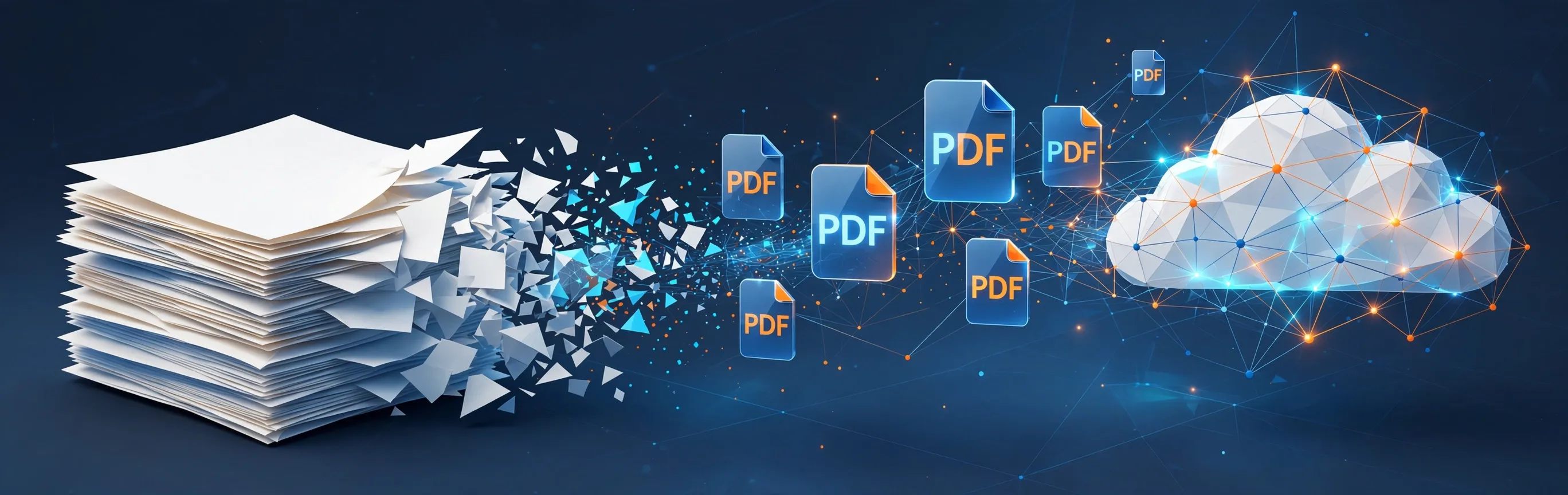
a futuristic dream
The paperless office is no longer a futuristic dream—it is a daily reality powered by smart, accessible, and secure PDF tools.
Categorizing the Ecosystem: Online vs. Desktop Solutions
The market for PDF tools is vast, generally dividing into two major operational philosophies. Each caters to entirely different user needs, workflows, and security thresholds.
+-----------------------------------------------------------------------+
| PDF TOOLS |
+------------------------------------+----------------------------------+
| ONLINE PLATFORMS | DESKTOP APPLICATIONS |
| (Best for speed and convenience) | (Best for security and depth) |
+------------------------------------+----------------------------------+
| * Browser-based accessibility | * Heavy offline processing |
| * Immediate cloud integrations | * Maximum data privacy |
| * Perfect for quick, simple tasks | * Enterprise-grade editing tools |
+------------------------------------+----------------------------------+
The Convenience of Web-Based (Online) Tools
Online PDF tools have skyrocketed in popularity due to their sheer convenience. They require zero software installation, run entirely within any modern web browser, and are usually cross-platform (working seamlessly on Windows, Mac, Linux, iOS, and Android).
- ILovePDF: A highly approachable, user-friendly champion of the web space, offering straightforward tiles for every basic PDF task imaginable without a steep learning curve.
- Smallpdf: Known for its highly polished, clean visual interface and reliable processing speeds, making it a favorite for quick daily office fixes.
- Adobe Acrobat Web: The cloud-based counterpart of the industry pioneer, bringing rock-solid conversion algorithms directly into the browser workspace for free.
- OraTools: An emerging web platform tailored for users seeking fast, direct, and completely free web-based document transformations. It strips away complicated processes to offer an efficient workspace for everyday file conversions, making it a highly accessible choice for casual and office workflows alike.
The Trade-off: Online tools require you to upload your documents to an external server. While reputable sites use secure protocols and delete files after processing, they are not ideal for highly sensitive corporate data.
The Power of Desktop Software
For corporate environments, legal firms, medical institutions, and creative power users, desktop applications remain indispensable. They process files locally on the computer's CPU, offering maximum speed for massive files, batch processing capabilities, and absolute data privacy.
- Adobe Acrobat Pro: The gold standard of the industry. It possesses the most powerful engine for handling complex interactive forms, color profiles for printing, and deeply sophisticated editing workflows.
- Foxit PDF Editor: A fast, highly efficient competitor to Adobe that delivers enterprise-grade features, excellent customization options, and an interface that feels deeply familiar to Microsoft Office users.
- Nitro PDF Pro: A robust, reliable desktop alternative celebrated for its blazing-fast file conversion speeds and smooth integration into corporate IT infrastructures.
How to Select the Ideal PDF Tool for Your Workflow
Investing time or money into a PDF utility requires assessing your specific operational realities. Consider these three pillars before making your choice:
- Data Sensitivity and Compliance: If your daily tasks involve handling personal identifiable information (PII), proprietary source code, or legal contracts, always opt for a reputable desktop solution. Avoid uploading these files to free online converters.
- Volume and Automation: Do you need to convert five hundred documents at the end of every business month? Look for desktop tools that offer "batch processing" or watch-folders to automate these tedious workflows with a single click.
- Budgetary Constraints: For occasional users who only need to merge two files once a month, free online tiers are more than sufficient. However, if your professional output relies on flawless OCR and deep layout editing, a premium subscription to a professional tool will quickly pay for itself in saved hours.
The Bottom Line
PDF tools have evolved far beyond basic reading programs; they are now comprehensive productivity suites that serve as the backbone of the paperless office movement. By selecting the right blend of online convenience and desktop power, you can master your document workflows, protect your sensitive data, and collaborate with teams around the world with total confidence.