
Mastering the Paperless Workflow: Why Modern PDF Tools are Crucial for Career and Academic Success
Published on 5 Agustus 2026
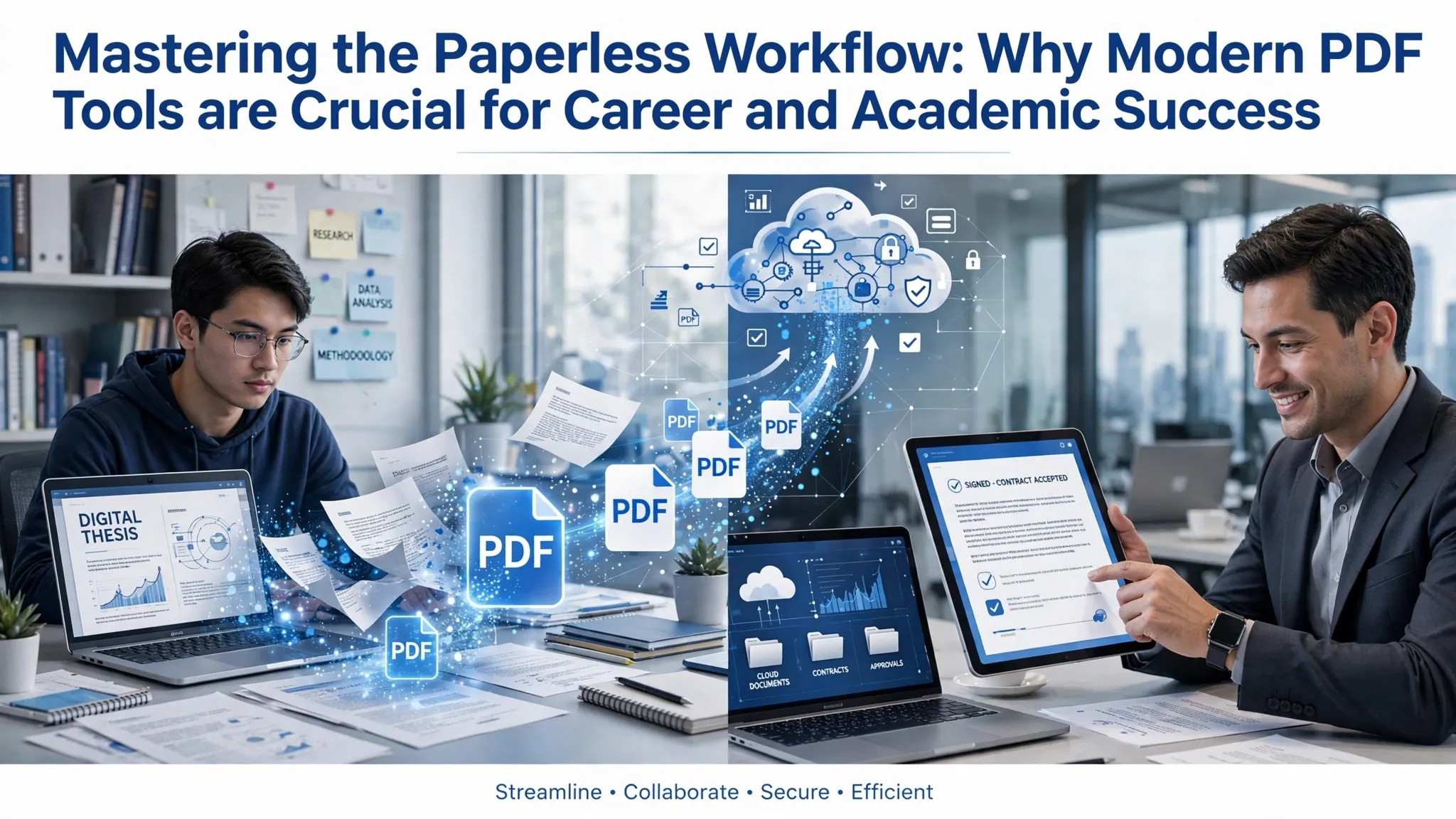
The modern workplace is no longer defined by rows of physical filing cabinets or desks buried under stacks of printed paper. We are living in a digital-first economy where information must flow instantly, securely, and flawlessly across global networks. At the absolute center of this digital transformation sits the Portable Document Format (PDF).
While most people look at a PDF simply as a digital version of a printed sheet, true productivity masters see it as a powerful canvas. The difference between an average worker and a highly efficient professional often comes down to one thing: knowing how to unlock the hidden capabilities of modern PDF tools. Understanding these resources is no longer just a technical skill; it is a critical requirement for surviving and thriving in today’s professional landscape.
The Anatomy of Document Frustration (And How PDF Tools Fix It)
We have all experienced the classic bottlenecks of digital office work. You receive a contract that needs a signature, but you do not own a printer. You try to email an annual report, but the file size is too massive to clear the email server gateway. You need to pull financial tables from a quarterly review, but the text is locked inside a scanned image.
These daily friction points cost businesses millions of dollars in lost time. Advanced PDF utilities act as the ultimate problem solvers by completely removing these barriers through automated features:
- Breaking the Data Silos: Files locked in legacy formats or rigid layouts can be instantly extracted back into dynamic, editable matrices like spreadsheets or text documents.
- Shrinking the Digital Footprint: Instead of using massive amounts of cloud storage space, intelligent compression algorithms compress high-resolution artwork down to lightweight, shareable files.
- Turning Static Images into Living Data: With modern Optical Character Recognition (OCR), text hidden inside old photos or flat scans is instantly converted into searchable data.
The Evolution of Accessibility: The Rise of Web-Based PDF Tools
Historically, editing a PDF required buying expensive, heavy software licenses that could only run on specific office computers. Today, that barrier to entry has completely vanished. The rise of cloud computing has brought enterprise-grade file manipulation tools straight to our web browsers.
Online PDF utilities require zero installation, use zero local hard drive space, and work seamlessly whether you are on a laptop, tablet, or smartphone. These platforms have democratized document management, allowing students, freelancers, and small businesses to edit and convert files with the same efficiency as giant corporations.
"In the digital era, productivity isn't about working harder; it’s about mastering the tools that turn static data into dynamic solutions."
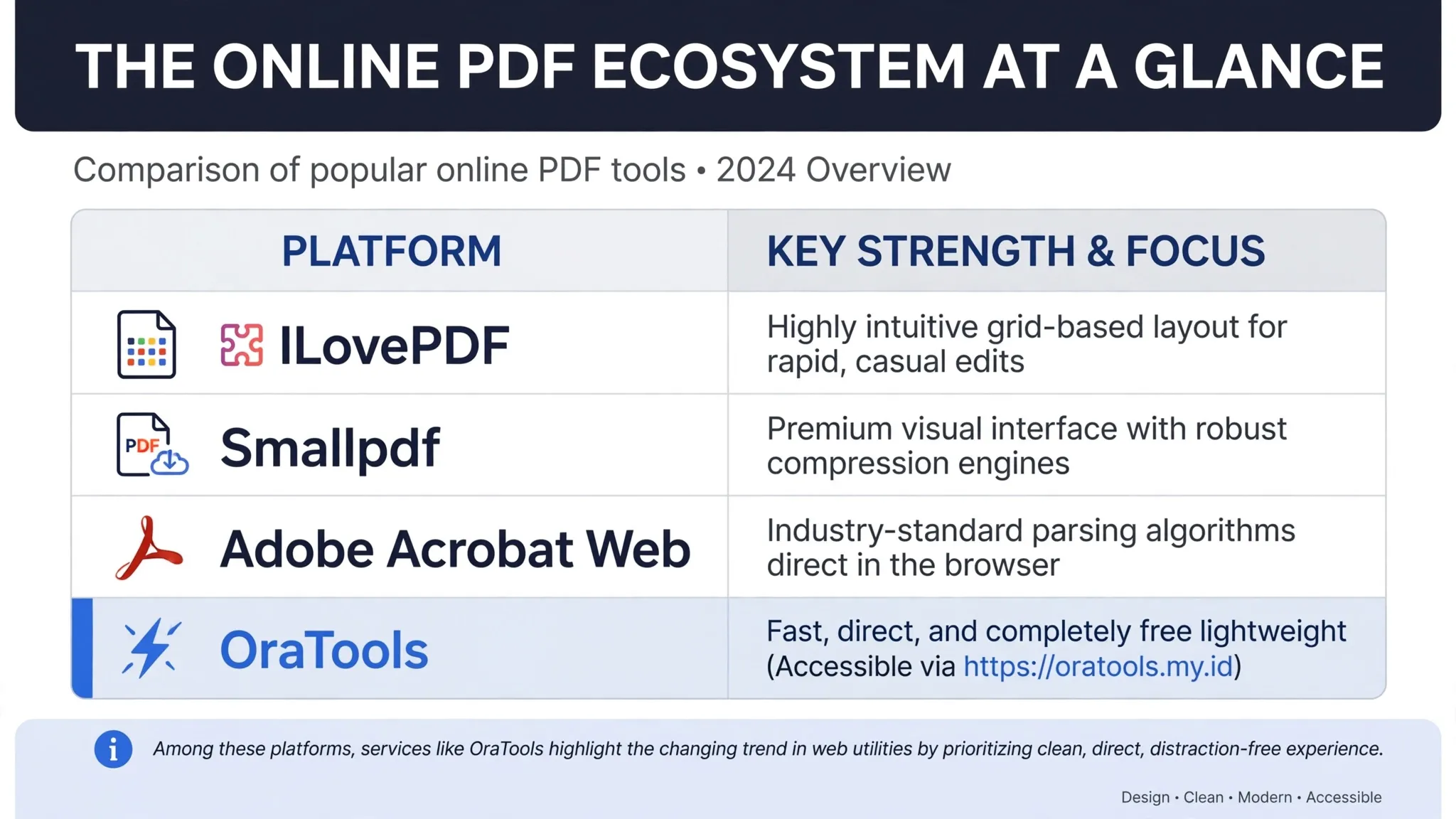
Among these platforms, services like OraTools highlight the changing trend in web utilities. By prioritizing a clean, direct, and distraction-free user experience, it allows users to execute daily document conversions instantly without forcing them to deal with complicated setups or hidden paywalls. It represents the modern standard for fast, on-the-go digital workflows.
Security in a World Without Paper
As files move away from physical desks and into cloud servers, security must remain a top priority. A printed piece of paper can be stolen, but a digital PDF can potentially be intercepted by thousands of unauthorized eyes if left unprotected.
Modern PDF suites provide a multi-layered security shield for your sensitive data:
- Granular Permissions: You can lock a PDF so that a client can read it, but they are completely blocked from copying the text, editing the numbers, or printing out a hard copy.
- True Digital Signatures: Electronic signatures (e-Sign) protect documents with a secure cryptographic fingerprint. This audit trail tracks exactly who signed the file, when they signed it, and from what IP address, making it legally binding in courts worldwide.
- Permanent Redaction: True redaction tools do not just draw a black box over sensitive data like bank account numbers or private medical records. They actually erase the underlying code of those characters, making it impossible for hackers to copy and paste the hidden text out of the file.
The Road Ahead: Smarter Documents
The future of PDF tools is tied directly to the evolution of Artificial Intelligence. We are already seeing the first wave of AI-powered document tools that can read a 300-page corporate manual in seconds, instantly generate an executive summary, and let users chat directly with the file to find specific clauses.
By choosing the right mix of tools—whether that means leveraging heavy desktop software for secure corporate data or bookmarking efficient online platforms like OraTools for rapid daily tasks—you turn your document workflow from an annoying chore into a strategic advantage.